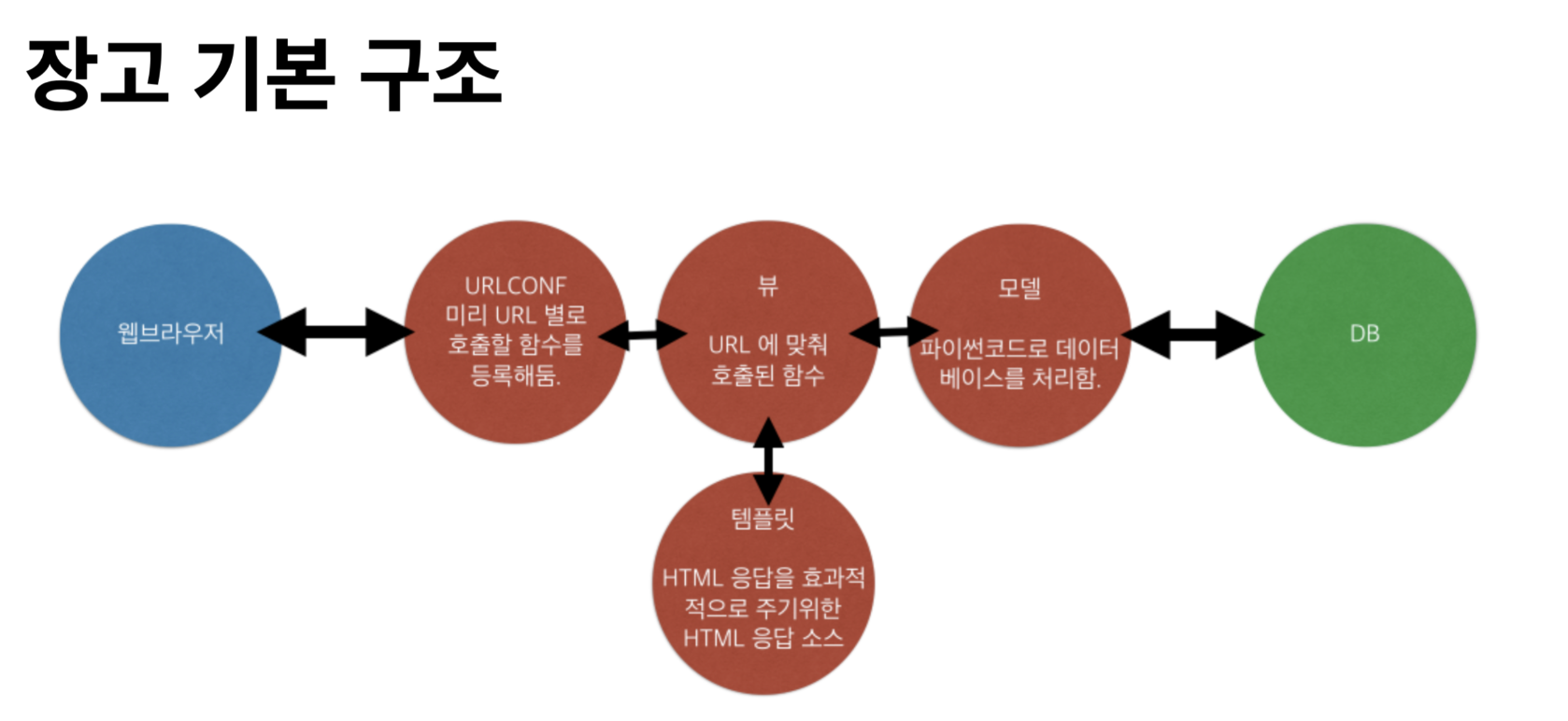
<!DOCTYPE html>
<html lang="en">
<head>
    <meta charset="UTF-8">
    <meta name="viewport" content="width=device-width, initial-scale=1.0">
    <title>Document</title>
</head>
<body>
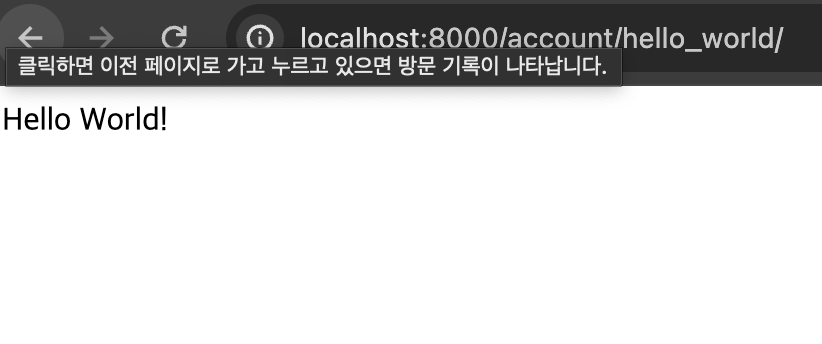
    Hello World!
</body>
</html>
from django.shortcuts import render
from django.http import HttpResponse

# Create your views here.


def helloworld(request):
    return render(request, 'base.html')
TEMPLATES = [
    {
        'BACKEND': 'django.template.backends.django.DjangoTemplates',
        'DIRS': [os.path.join(BASE_DIR, 'templates')],
        'APP_DIRS': True,
        'OPTIONS': {
            'context_processors': [
                'django.template.context_processors.debug',
                'django.template.context_processors.request',
                'django.contrib.auth.context_processors.auth',
                'django.contrib.messages.context_processors.messages',
            ],
        },
    },
]
<!DOCTYPE html>
<html lang="en">
<head>
    <meta charset="UTF-8">
    <meta name="viewport" content="width=device-width, initial-scale=1.0">
    <title>Document</title>
</head>
<body>

   <div style="height: 10rem; background-color: #38df81; border-radius: 1rem; margin: 2rem;">

   </div>
   <div style="height: 20rem; background-color: #38df81; border-radius: 1rem; margin: 2rem;">

   </div>
   <div style="height: 10rem; background-color: #38df81; border-radius: 1rem; margin: 2rem;">

   </div>

</body>
</html>